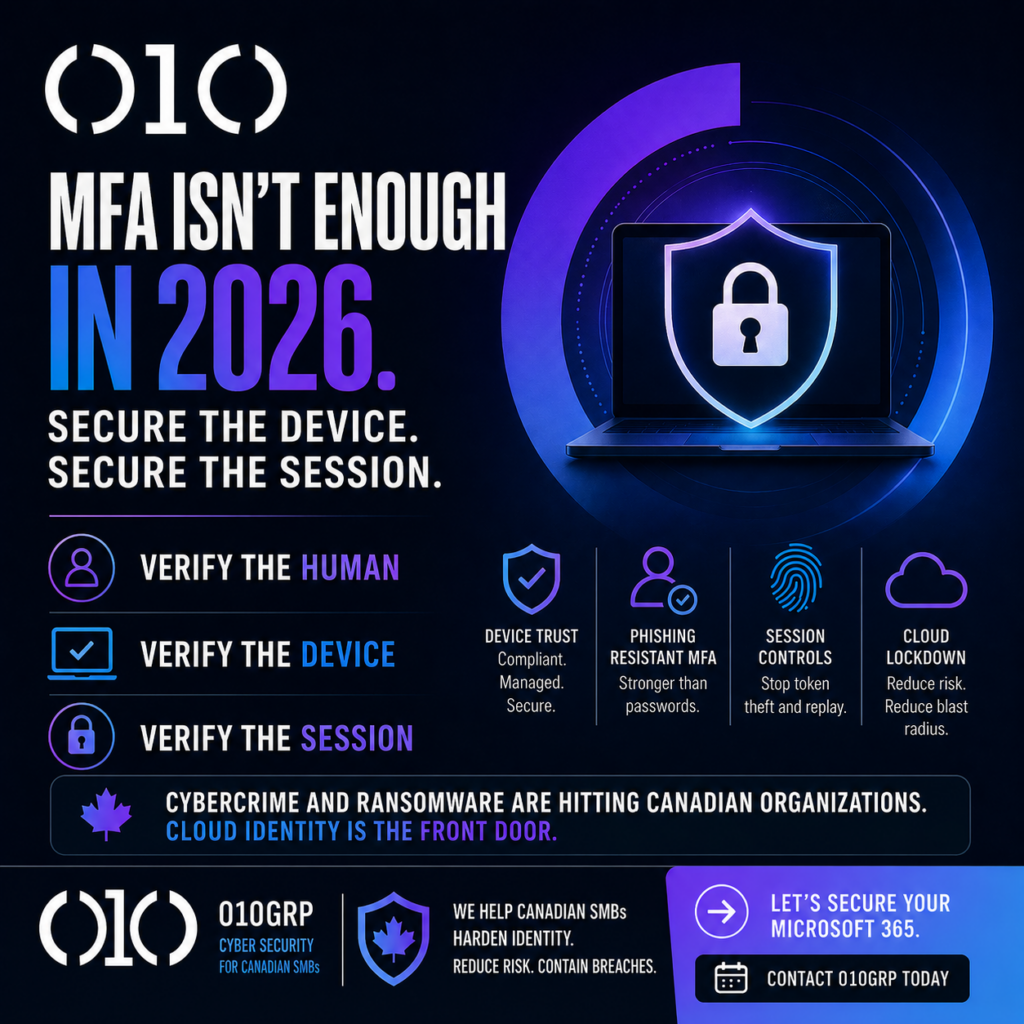
If you think “we have MFA” means your Microsoft 365 is safe, you’re living in 2019. In 2026, attackers don’t need your password – they need your session. Steal a token, replay it, and they’re inside your inbox, SharePoint, Teams, and finance workflows without ever triggering your “wrong password” alarms. And yes, attackers know this too.
Canada’s threat picture isn’t subtle. The Canadian Centre for Cyber Security’s National Cyber Threat Assessment 2025 to 2026 keeps pointing to persistent cybercrime and ransomware pressure on Canadian organizations. Translation: credential attacks are table stakes, and cloud identity is the front door.
The myth we need to kill
Myth: “MFA stops account takeover.”
Reality: MFA stops lazy criminals. Serious crews run adversary in the middle phishing, “push fatigue,” SIM swaps, and token replay. Even CISA has been blunt about why only phishing resistant MFA survives modern tricks.
So here’s our stance at 010grp: MFA without device trust and session controls is security theatre. You don’t just need to verify the human. You need to verify the machine they’re using and the session they’re carrying.
Device trust is boring – and that’s exactly why it works. A “compliant” device is encrypted, patched, and managed: it has screen lock, modern endpoint protection, and a way to be wiped when it’s lost. Without that, one infostealer on a personal laptop can harvest browser sessions and refresh tokens. That’s how “MFA enabled” companies still get hit. When we onboard clients, we treat Intune enrollment and baseline configuration as a cyber control, not an IT preference. It also maps cleanly to the Cyber Centre’s Baseline Controls for SMBs.
The Canadian cloud lockdown: 10 moves that actually reduce risk
- Start with the blast radius. List every cloud login surface: Microsoft 365, Entra ID admin portals, VPN, payroll, accounting, vendor portals. Then cut stale accounts and shared logins. If you can’t attribute actions to one human, you can’t investigate.
- Create two break glass accounts. Long passwords, stored offline, excluded from Conditional Access, monitored like a hawk. Break glass is for outages, not daily work.
- Kill legacy authentication. If basic auth is still allowed anywhere, attackers will find it. Lock it down tenant wide, then verify what broke.
- Move high risk roles to phishing resistant sign in. Admins, finance, executives. If you need a practical rollout path, use our guide Stop Using Passwords: Your 30 Day Passkey Plan.
- Require compliant devices for cloud access. This is where most SMBs flinch – and where attackers win. Microsoft documents exactly how to require device compliance with Conditional Access. Pair it with Intune baselines so “random home laptop” is not a trusted endpoint.
- Turn on token protection where you can. Token replay is a silent bypass. Entra’s token protection aims to make stolen tokens far less useful by binding them to trusted devices.
- Clamp down sessions. Reduce sign in persistence for admin portals, block “stay signed in” prompts for risky apps, and require reauthenticate when risk changes. Convenience is how attackers keep access.
- Lock down app consent and OAuth sprawl. The fastest “cloud breach” we see is one user clicking Allow. Run the permissions lockdown from That “Accept” Button Is a Breach and treat unknown apps like malware.
- Watch identity like a security system, not a report. Pipe Entra sign ins, audit logs, and admin actions into a SIEM, then tune detections for token anomalies, impossible travel, mass downloads, and new inbox rules. Start with our 7 SIEM moves for Canadian SMBs.
- Rehearse response and recovery. If identity is compromised, you need a fast revoke and contain playbook and backups that survive. Our incident guide Breached? Do This in 72 Hours or Pay Twice is the uncomfortable version, and it works.
Where 010grp fits
We implement this as an operating rhythm, not a one time project. That means hardening IAM, deploying MFA and PAM, building response muscle with our incident response process, and backing it with 24/7 monitoring and threat intelligence. For Canadian SMBs, this is the difference between “we got phished” and “we contained it before it became payroll fraud.”
One more Canadian reality: if personal information is exposed, you may have reporting and record keeping obligations under PIPEDA. The Office of the Privacy Commissioner’s breach reporting guidance is worth bookmarking – before you need it.
If you want us to pressure test your tenant, write the Conditional Access plan, and run the rollout without breaking productivity, contact 010grp. We’ll tell you what’s weak, what’s fixable fast, and what’s costing you risk every day you ignore it.