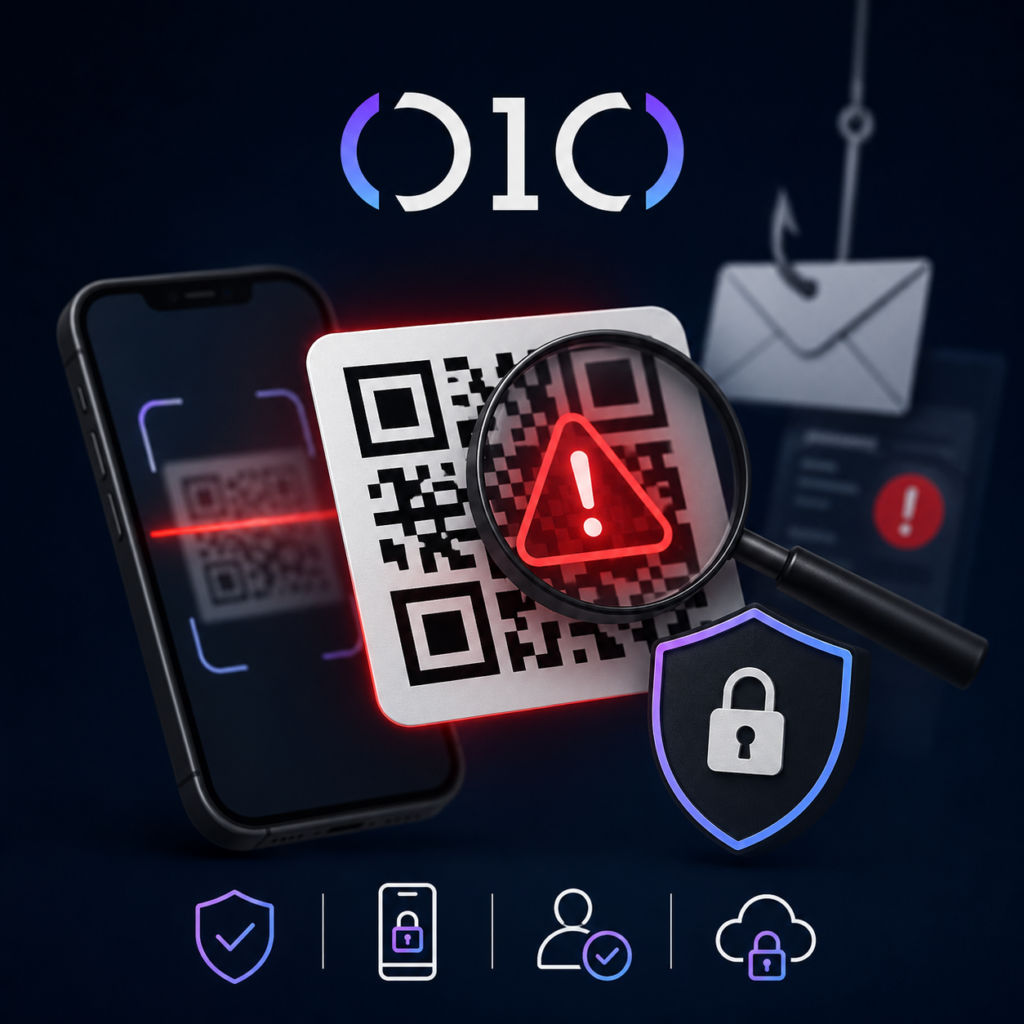
This is why quishing spreads fast.
Myth-buster time: “QR codes are safer than links because you can’t click them by accident.” Wrong. QR codes are safer for the attacker because you can’t see the destination until after you scan. That’s not convenience – that’s concealment.
The 010grp Safe-Scan Standard
These are the controls we deploy in real Canadian environments:
-
- Stop treating QR codes as “marketing.” Treat them as executable links. Policy should say: scan only when you initiated the action and you trust the physical source.
- Ban QR-based logins. Any email that says “scan to re-activate Microsoft 365” is a red flag. If users need to sign in, they type the known URL, period.
- Force identity checks onto managed devices. Conditional Access should block sign-ins from unknown devices and require compliant endpoints for high-risk apps. Pair this with our Microsoft 365 and Intune hardening through cloud management.
- Make MFA phishing-resistant where it matters. Push approvals and one-time codes can be harvested after a quish. Move finance, admins, and execs to passkeys or FIDO2, then expand. If you need a rollout path, start with our guide Stop Using Passwords: Your 30-Day Passkey Plan.
- Protect the phone, not just the laptop. If staff scan codes on personal devices, your “security stack” ends at the camera. Either require managed mobile devices for work accounts, or enforce corporate browser profiles with URL filtering and app control.
- Turn on QR detection in email security. If you’re on Microsoft, review Defender for Office 365 protections that inspect QR images and suspicious redirects. If you’re not inspecting images, you are giving attackers a free lane.
- Train for the exact trick. Generic “don’t click links” training won’t stop quishing. Run a 10-minute drill showing a fake invoice QR, a fake Teams security notice, and a fake parking ticket. Then teach one move: open the camera preview, read the URL, and stop if it’s not your domain. For a training model that doesn’t bore people into failure, read How to Train Employees to Spot Cyber Threats (Without Boring Them to Death).
- Monitor for the post-scan blast radius. Quishing is often step one, token theft is step two, and money movement is step three. Stream Entra sign-ins, mailbox rules, OAuth consent grants, and unusual downloads into a SIEM. If you want the playbook, use Your MFA Isn’t Enough: The 7 SIEM Moves Canadian SMBs Must Make Now.
If someone scanned a bad QR, do this immediately
- If credentials were entered, reset the password and revoke sessions fast. In Microsoft 365 that means forcing re-authentication, not “wait and see.”
- Check inbox rules and forwarding. Attackers love silent exfiltration.
- Audit app consents. One malicious “Allow” can persist after password resets. Our article That “Accept” Button Is a Breach explains why.
- Treat the phone as exposed. Update it, scan it, and remove unknown profiles or apps.
- Report fraud. The Canadian Anti-Fraud Centre can route reporting to the right place.
Quishing is not a “user problem.” It’s a design problem. Your controls must follow the user onto the device that scans the code, and your detection must catch the weird sign-in that happens 90 seconds later.
If you want this locked down without guesswork, 010grp will harden Microsoft 365, implement device and identity guardrails, deploy URL filtering, and monitor the tenant 24/7 so a QR code doesn’t become a breach. Start with our cyber protection services, then contact us when you’re ready to make your environment boring to attackers.