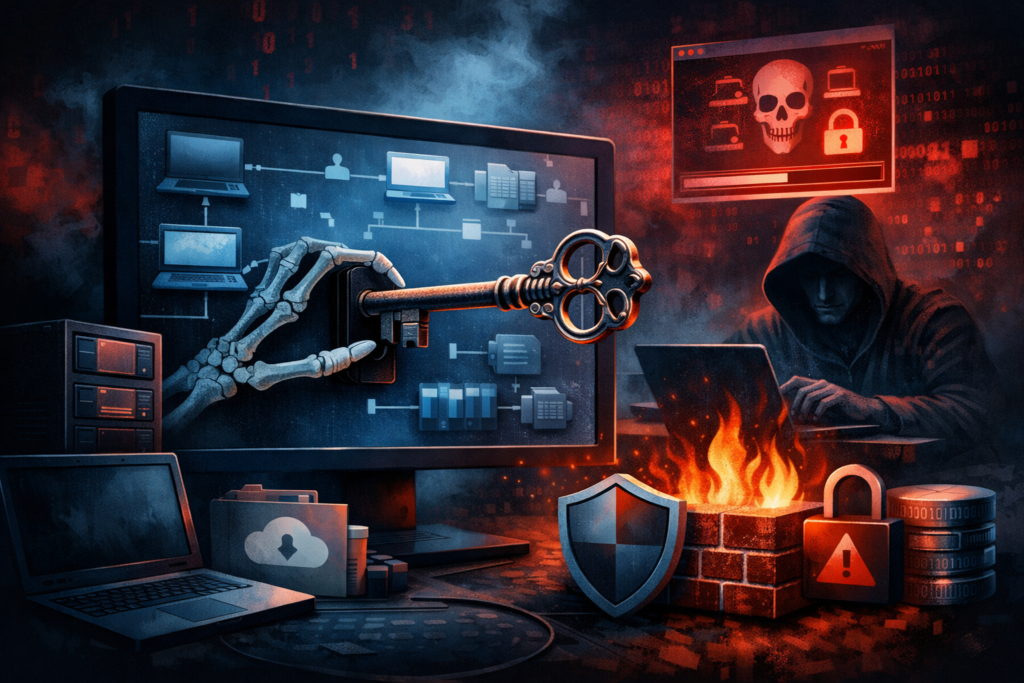
If your MSP stack includes an RMM agent, assume it is a skeleton key. Attackers do. Remote Monitoring and Management tools were built for convenience: silent installs, persistent access, scripts, and fleet-wide control. That’s why ransomware crews and initial-access brokers keep turning “IT tooling” into a backdoor, and why Canadian SMBs get blindsided even with a decent firewall.
Here’s our blunt take at 010grp: if you can’t answer “who can push code to every endpoint at 2 a.m.?” you don’t have IT management. You have an unaudited remote control channel.
RMM is brilliant when you control it. When criminals control it, it’s instant scale: one login, thousands of machines, zero noise for weeks unnoticed.
Why RMM is so abusable
RMM agents blend into normal operations. A malicious actor who lands inside your tenant can deploy remote access, create a new admin, disable security, and start encryption – all while looking like a helpdesk session. Microsoft’s Defender Experts team has described human-operated intrusions where threat actors exploited vulnerabilities in trusted remote support and RMM tools for initial access and follow-on actions (Microsoft Security Experts analysis).
Government defenders are just as direct. A joint advisory from CISA, NSA, and MS-ISAC warns that legitimate RMM software is repeatedly weaponized to gain persistence, move laterally, and stage ransomware (Joint CSA on malicious RMM use). And recent incident reporting has linked ransomware activity to RMM vulnerabilities in SimpleHelp (IC3 advisory).
The nastiest part: you might not even be the target. Canada’s Cyber Centre has long warned that supply chains and service providers are prime routes to compromise (Cyber Centre supply chain guidance). If an MSP, tool vendor, or managed tenant gets popped, downstream customers inherit the blast radius.
This becomes a privacy incident fast in Canada
When RMM becomes an attacker’s remote hands, the first thing they touch is usually data: email, files, payroll, customer records. If personal information is exposed, federal breach reporting obligations can trigger under PIPEDA (OPC breach guidance). If you touch Québec customers or operations, Law 25 pushes you to treat confidentiality incidents with discipline, including keeping a register and notifying when required (CAI overview).
The 9 controls that actually tame your RMM
This is the hardening playbook we deploy when we run MSP management and security operations for Canadian organizations.
- Separate your RMM admin identity. No shared logins. No “everyone is an admin.” Protect privileged accounts with strong MFA (010grp MFA) and move toward passkeys where possible (passkey plan).
- Gate every RMM action with least privilege. Helpdesk can remote in, but cannot push scripts or deploy software. Only a tiny group can run automation, and every automation run is reviewed.
- Lock down agent deployment. Require signed installers, restrict who can generate installers, and limit which networks can enroll new endpoints. If an attacker can enroll a device, they can create a persistent foothold.
- Alert on the “oh no” events. New admins, permission changes, new integrations, mass script runs, and any security-tool disablement should page someone. If nobody watches after 5 pm, attackers will – which is why 24/7 monitoring matters.
- Constrain console access. Put the RMM portal behind conditional access, device compliance, and geo restrictions. Block legacy auth. Don’t let “any browser, any country” reach your control plane.
- Patch it like it’s internet-facing – because it is. Treat critical RMM CVEs as emergency work, not a quarterly chore. Tie patch SLAs to business risk, not calendar comfort.
- Log everything into a SIEM. Admin activity, session starts, file transfers, script execution, and integration events should feed detection rules. If you want the mindset shift, read our SIEM playbook.
- Add a kill switch. Predefine how you will disable remote access in minutes: revoke tokens, rotate keys, disable integrations, and isolate agents. Practice it like a fire drill – before you need it.
- Validate recovery, not “backups.” Assume the attacker will use your RMM to locate and delete backups. You need immutable architecture, tested restores, and SaaS coverage. Start with this recovery-first guide.
Where 010grp fits
At 010grp, we treat RMM as part of your security perimeter. We harden identity, implement PAM, tune conditional access, centralize logging, and run response playbooks through a 24/7 SOC, backed by cyber threat intelligence. If you want to stop “trusted tools” from becoming your next breach, start with a risk assessment and an RMM governance audit. The goal is simple: your team uses remote control, attackers don’t.